







Lock at your limit
Hit your limit and the apps you chose lock until midnight, behind your Doomie. You get one “5 more minutes” a day. Use it wisely.
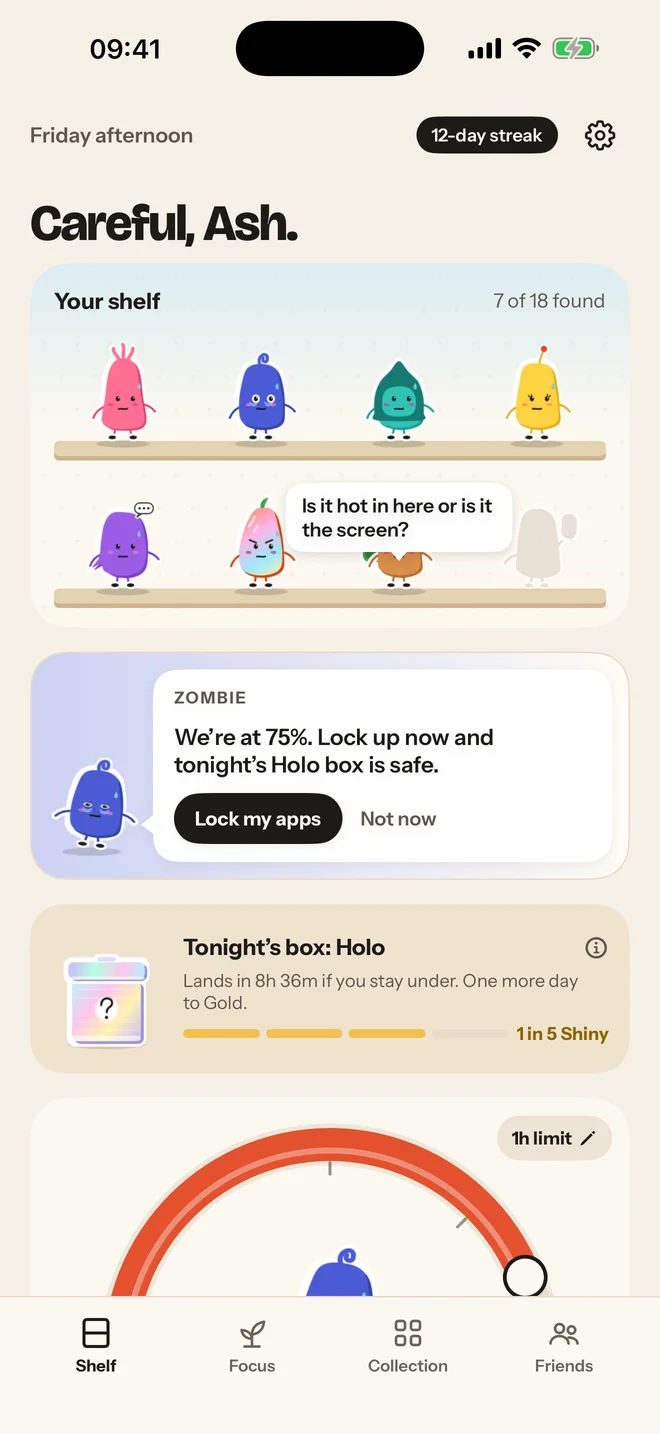
Set a daily limit for TikTok, Instagram, X and other apps you doomscroll. Every day you stay under your limit, you earn a collectible Doomie to keep.
How it works
Pick the apps that eat your day and how long you want on them. Doomies runs quietly in the background through Apple’s Screen Time.
Get through the day under your limit and a box turns up that night. The longer your streak, the better the box.
Shake it, crack it, meet who’s inside. Maybe they’re new. Maybe they’re Shiny. Maybe it’s the Secret.
The catch
Doomies keeps an eye on your limit, not your feed. Your Doomies are happy as long as you are under it.
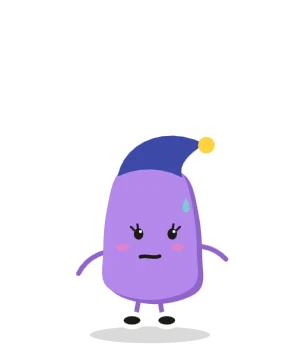
Hit 75% and you get a heads-up, with a one-tap “Lock my apps for today” if you want backup.
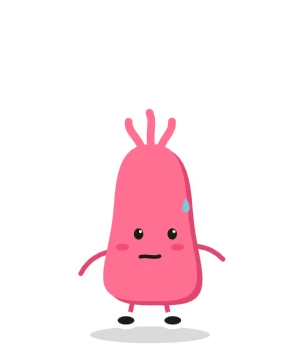
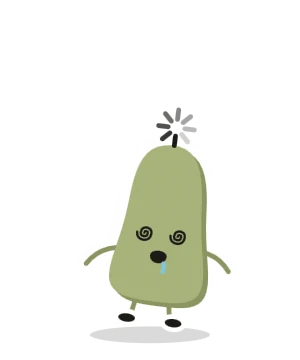
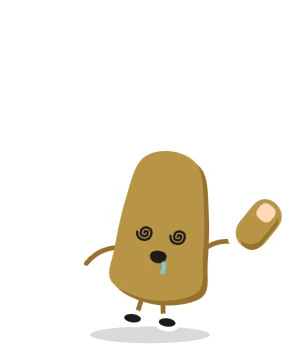
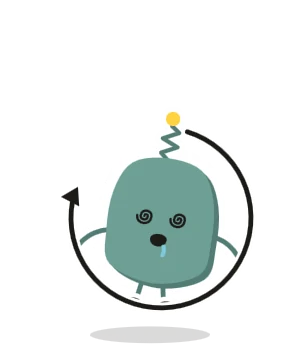
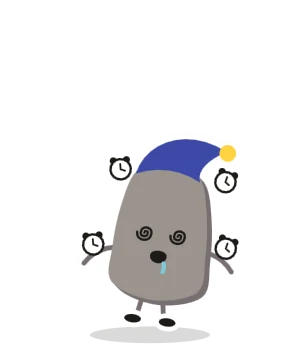
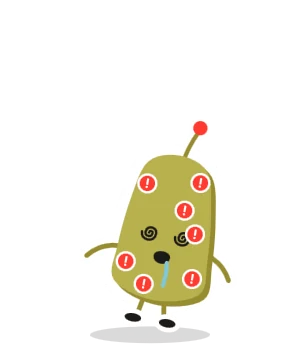
Spiral eyes. Drool. One loading-wheel hairdo. Your streak resets, but nothing on your shelf is lost. One day under cures it by morning.

Try one
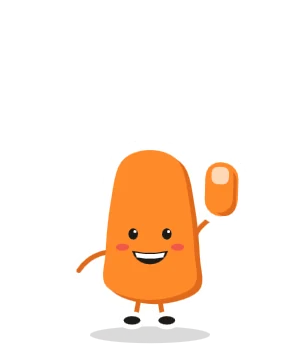
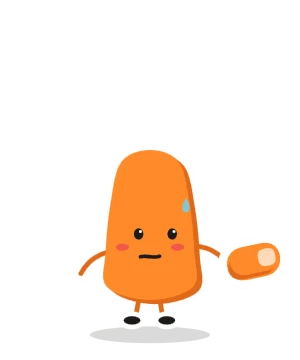
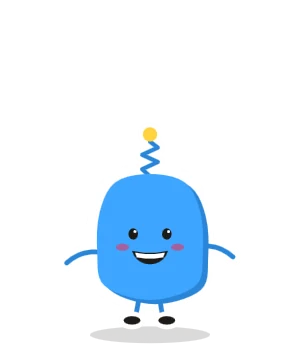
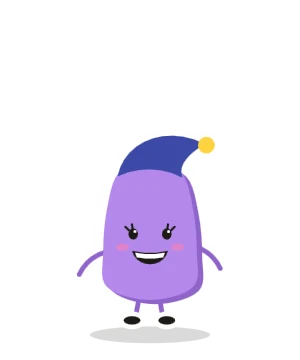
Every day under your screen time limit earns a collectible Doomie. The longer your streak, the better your shot at a Shiny or the Secret.
Tap the box
Series 01: Touch Grass
18 collectibles you unlock by cutting back on your doomscrolling.
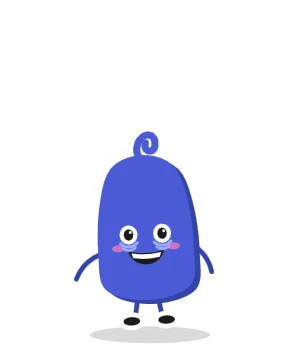
“Just one more”
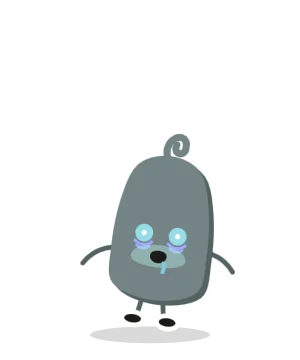
The 3am doomscroll
The scroller
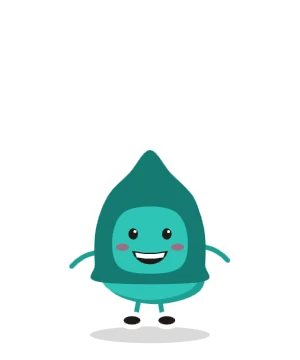
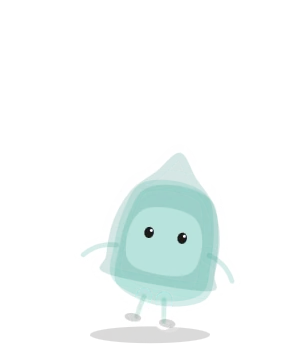
Never posts
Pull to refresh
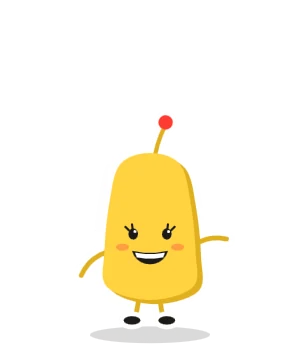
Notification addict
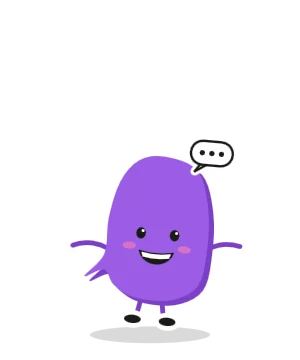
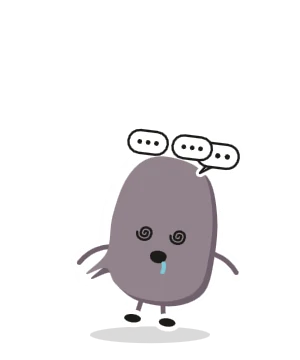
Always commenting

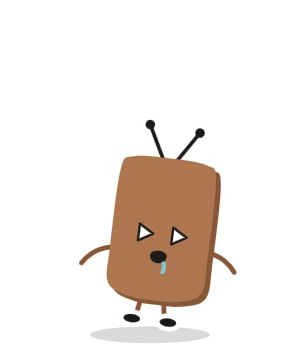
“Next episode in 5”
Phone in bed
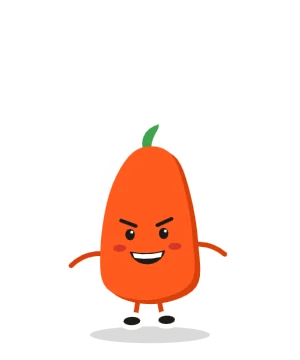
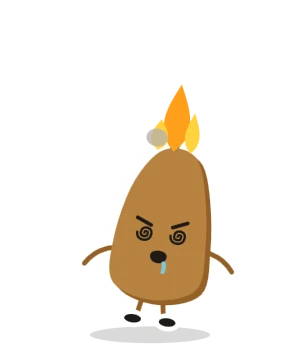
Argues online
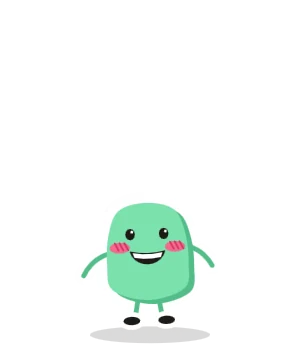
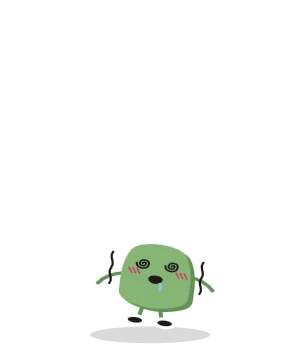
Rewatches own story
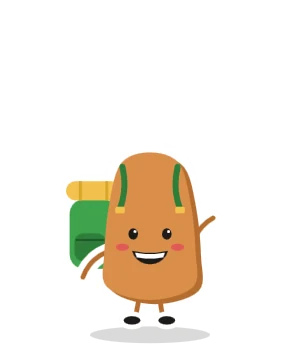
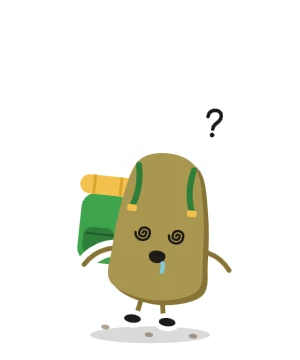
Opened app, forgot why
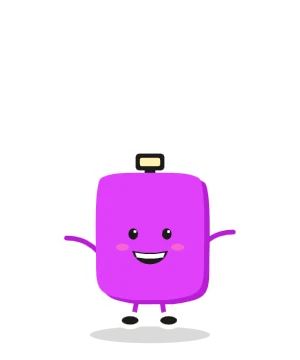
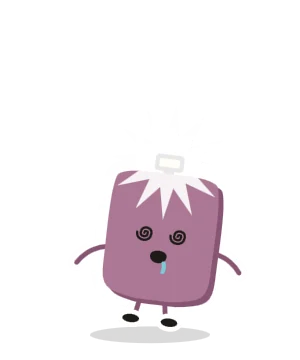
Screenshots everything
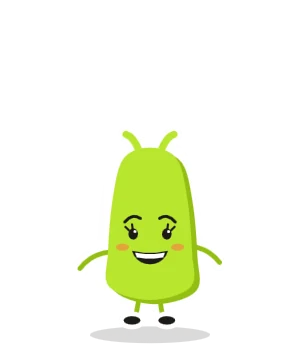
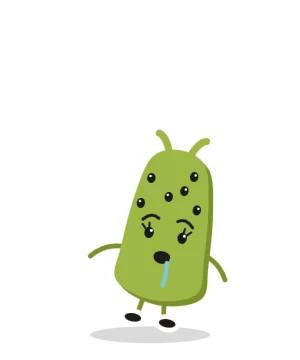
Checks every app
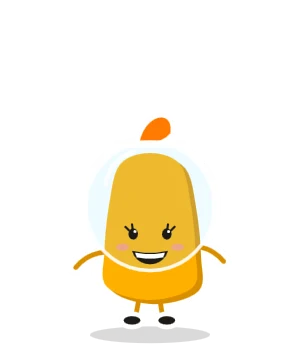
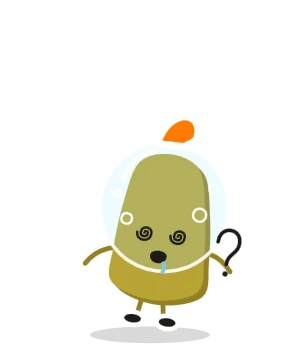
Eight-second attention span
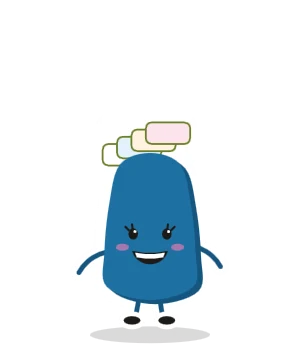
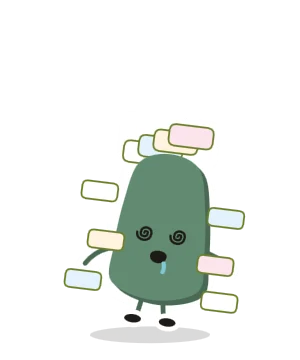
Forty tabs open
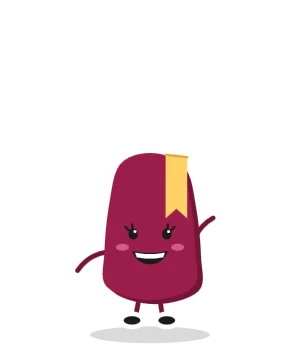
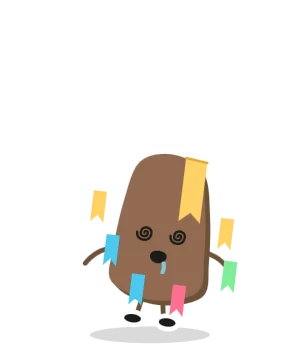
Saves everything, reads nothing
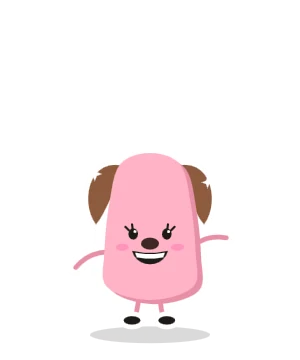
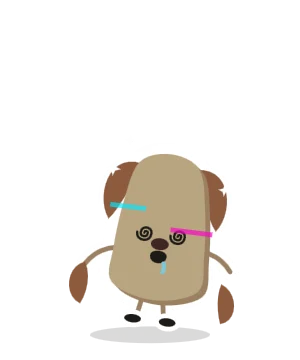
Can’t post without a filter
Series 02
Finish Series 01 and a whole new set is waiting for you.
Backup when you need it
Cute doesn’t mean soft. When willpower runs out, Doomies locks the door.
Hit your limit and the apps you chose lock until midnight, behind your Doomie. You get one “5 more minutes” a day. Use it wisely.
Start one whenever you want. Your chosen apps stay locked until it ends.
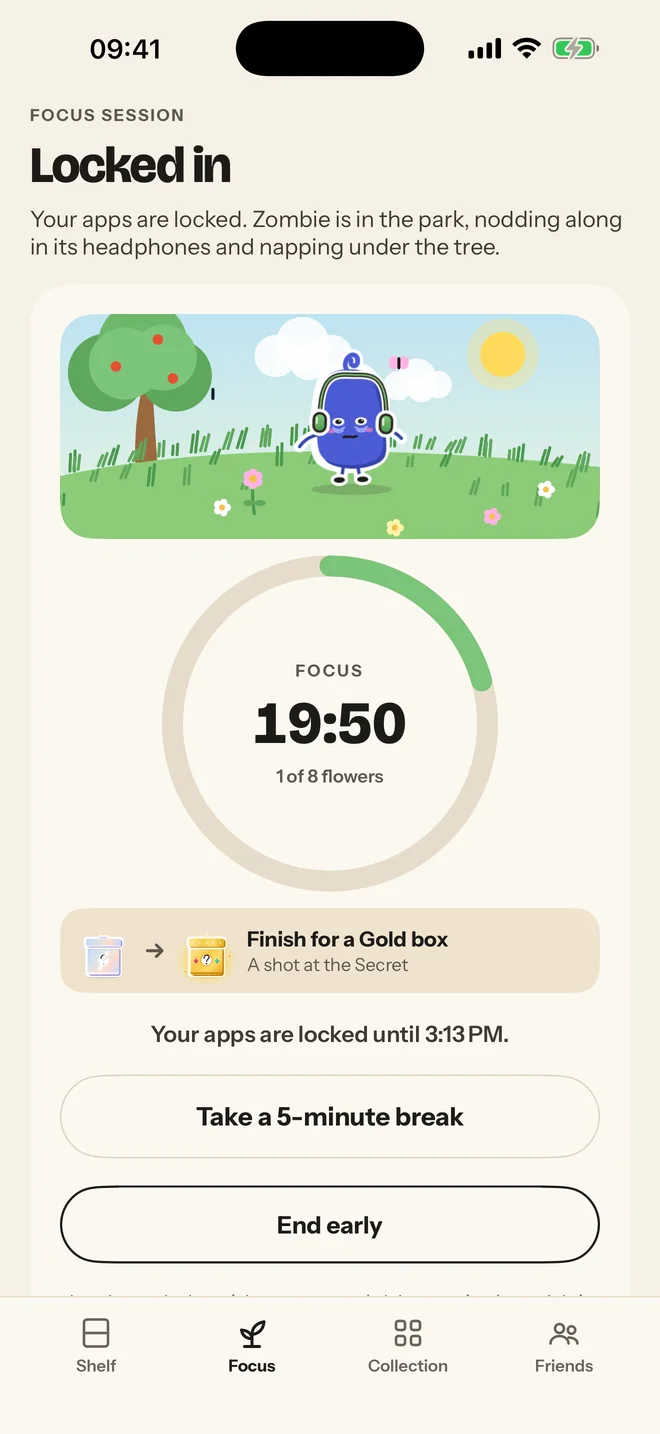
Every unlock waits a few seconds first. The wait grows a little each time today.
Lock apps at night, during work or school, or on any schedule you set.
Keep an app behind its block screen and let yourself in for a few minutes, a few times a day.
Off on holiday? Pause for 1 to 14 days. Your streak waits.
Better with friends
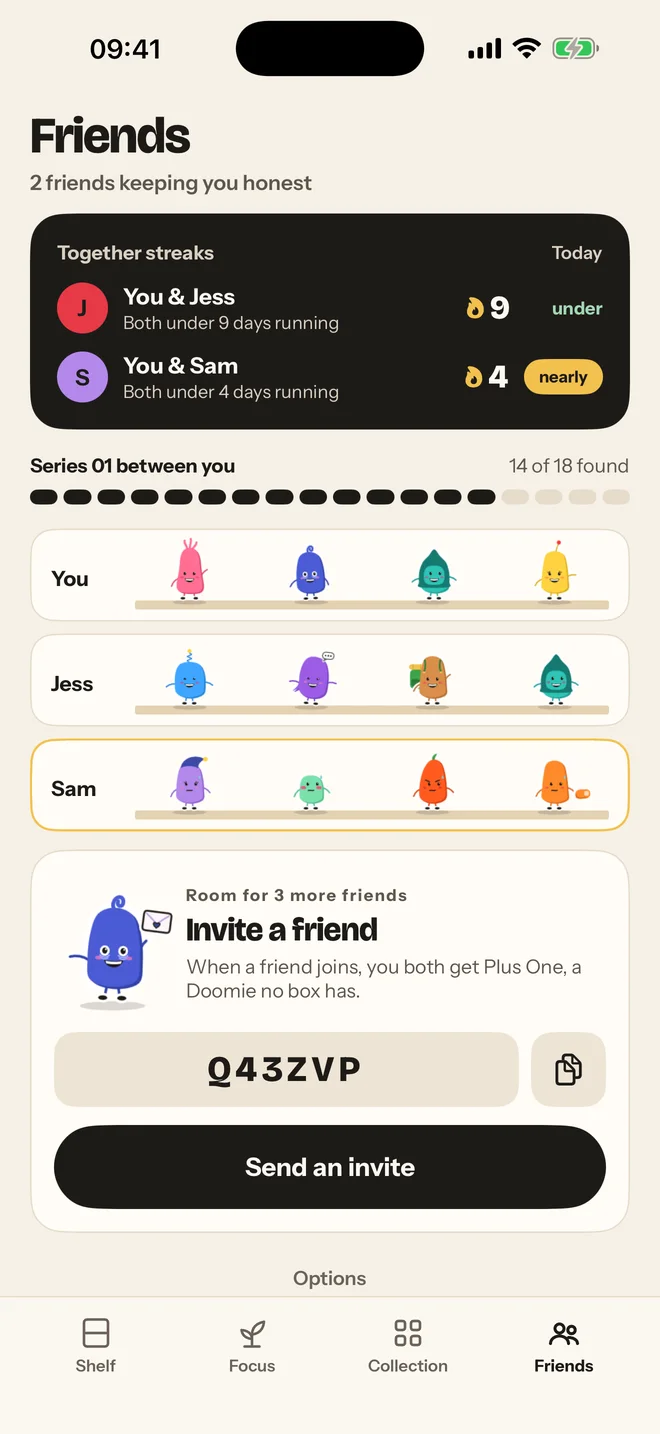
Start a group of up to six. See each other’s streaks and shelves, send your spare Doomies as gifts, and trade for the ones you’re missing.
Proof it’s working
Every day under your limit adds up. Doomies counts the time you’ve won back from scrolling and shows you what it’s worth: walks, films, dinners with no phone.
Privacy
Apple’s Screen Time keeps your minutes and app names sealed inside iOS. Doomies only learns whether you crossed your limit. No ads, no tracking, no selling your data, no account to sign up for.
Read the privacy policy →Doomies is built on Apple’s Screen Time. You pick the apps that eat your day and set a limit, and iOS tells Doomies when you cross it. Your actual minutes and app names stay sealed inside iOS. Doomies never sees them.
Your streak resets and your shelf catches brain rot: spiral eyes, drool, the works. Nothing on your shelf is lost. One day under your limit cures it by morning.
Yes. Turn on Lock at my limit and the apps you chose lock until midnight once you hit it, with one “5 more minutes” a day. You can also lock early, run a focus session, or set bedtime and work schedules.
Doomies is a subscription with monthly and yearly plans, and you can start with a free trial. The App Store shows the price and trial details before you confirm, and you can cancel any time in your iPhone’s Settings.
Doomies is for iPhone (iOS 17 or later) for now.
Yes. Pause for 1 to 14 days, say for a holiday. Paused days don’t count as over or under, and your streak waits for you.
Stay under. Open a box. Repeat.
Coming soon to theApp Store